Turn on permanent node logging
All (Snape 1.0 and Snape 2.0)Version 1.1 · 6 November 2026KC-02-028
Enabling permanent Node logging
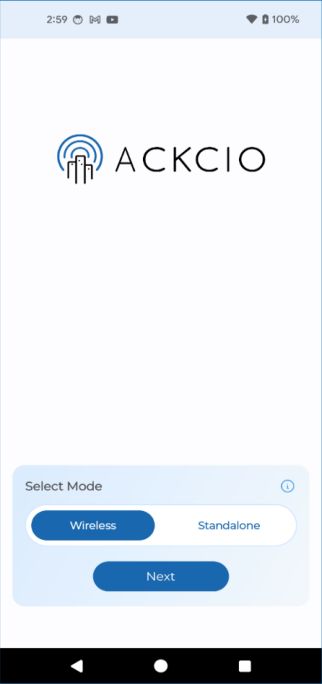
When you first open your Ackcio Nimbus application, you will need to enable the logging of Node activity to proceed:
1. Open the Ackcio Nimbus application on your Android device. You will then be prompted to select a location to store your Node logs.
2. Tap “OK, and then select the folder you’d like to store the logs in.
3. Tap Use this folder, followed by Allow to grant the application access.
4. You will now be able to access your Node logs in that folder as a text file. These Node logs contain a record of your Node’s behavior while it is connected to your phone, and can be shared with Ackcio to help troubleshoot issues you might encounter.