Gateway activity overview
Gateway activity overview
The “Activity” panel shows important information about your gateway, and the connected nodes. This panel can be used to alert you to condition changes such as updated sampling rates for your nodes, and it also will inform you if there are any issues uploading your data to your API or FTP server. Moreover, you can export gateway logs and diagnostic reports that can help with troubleshooting if there are any issues observed on your gateway.
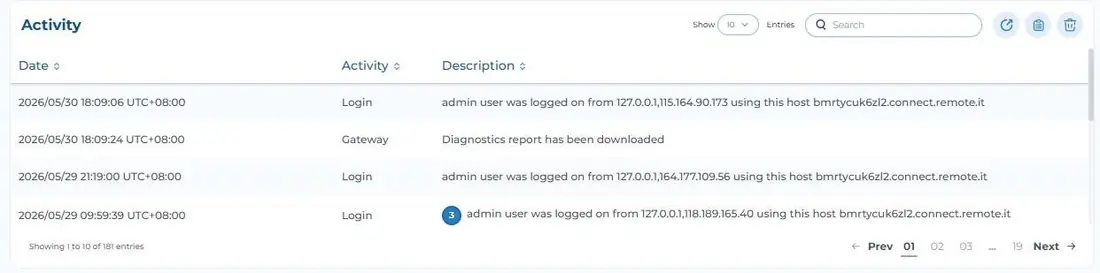
Export gateway information
Occasionally, it may become necessary to export logs from your gateway or its diagnostic report to share with Ackcio support so that we can help ensure your equipment is working properly. These files are easily accessible by clicking the icons in the upper right of the Activity panel.
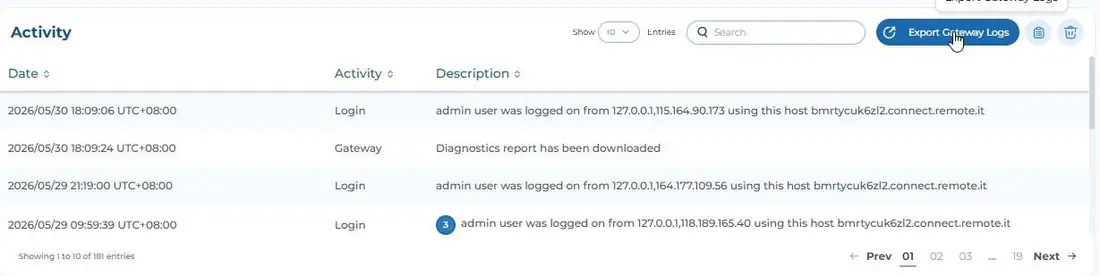
 Export Gateway Logs
On clicking the Export Gateway Logs icon, your gateway will generate the log file. Once the file has been created, you will see a notification indicating that the compressed logs in .zip format have been successfully downloaded to your device. The filename looks like “GatewayLogs- ABCD-1627470417.zip” where “ABCD” is your gateway ID.
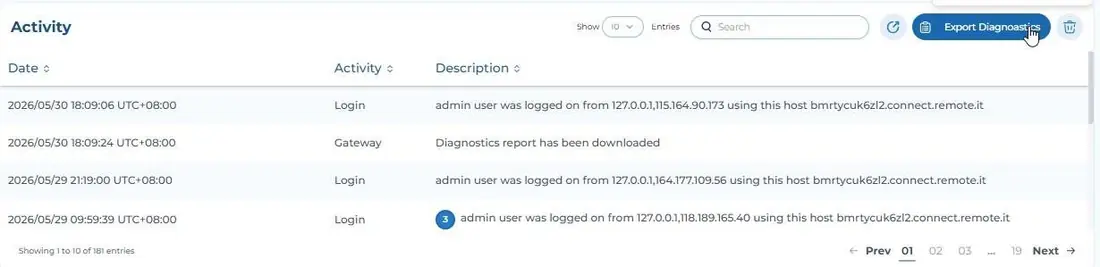
 Export Gateway Diagnostic Report
On clicking the Export Gateway Diagnostic Report icon, your gateway will generate the diagnostic report. Once the file has been created, you will see a notification indicating that the diagnostic report in PDF format has been successfully downloaded to your device. The filename would look like “BEAM-GW-ABCD.pdf” where “ABCD” is your gateway ID.
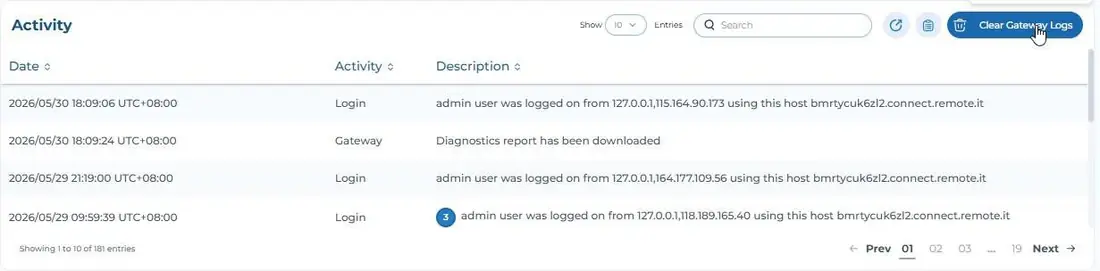
 Clear Gateway Logs
Clicking this icon will clear the existing gateway logs. This is useful after resolving issues, so that users can ensure future logs are collecting current, relevant information. Take note that logs are only stored for last 2 months and it overwrites accordingly.