Accessories
Snape 2.0Version 1.1 · 6 November 2026KC-02-003
This guide is for Snape 2.0. Other versions: Snape 1.0.
The Ackcio Beam system is shipped with the following:
| OTG Adapter | 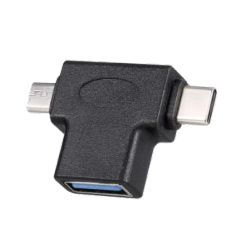 | Used to connect your android device to your Node via micro USB or USB-C |
| Ethernet Cable | 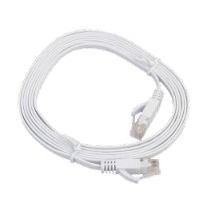 | Ethernet cable to be used to provide internet connection through router or to connect to your gateway with your laptop via LAN (see Connecting over LAN) |
| Micro USB Cable | 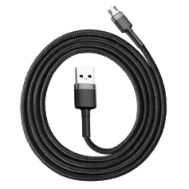 | Micro USB cable to be used with the OTG adapter to connect Nodes to an android device (Mesh Nodes) |
| Micro USB-C Cable | 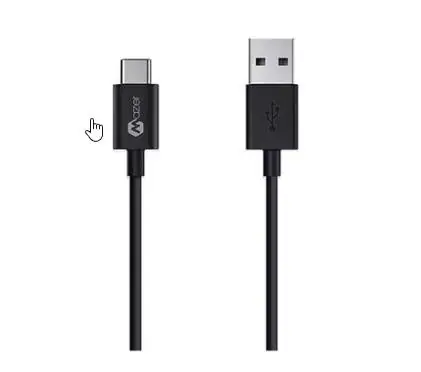 | Micro USB C cable to be used with the OTG adapter to connect only BEAM TM-L (Lora Nodes) to an android device. |
| Radio Antenna | 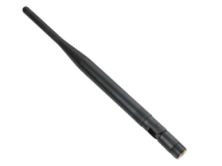 | Antenna used to connect Ackcio Beam devices to each other through our Mesh network. Both GW and nodes use the same type of antenna including GW 3.6.1 which is specially catered for LORA TM-L deployment |
| Cellular and Wifi Hotspot Antenna | 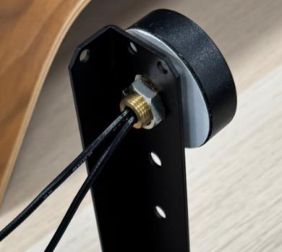 | Antenna used to assist with cellular signal strength when connecting the gateway to the internet via a nano sim card and also to serve as an antenna for GW Wi-Fi Hotspot |
| Power Supply | 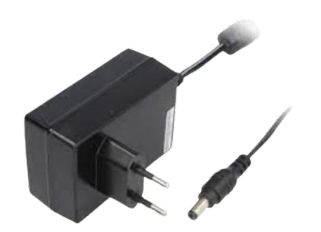 | 12V 3A power supply used to power the gateway. It comes with different adaptors to suit different regions. |
| ER34615 D Cell Batteries (3.6V 19Ah) | 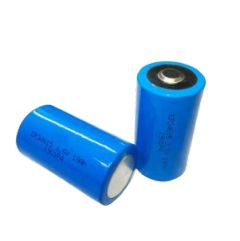 | Batteries used to power Nodes. We recommend brands like Tadiran, Eve, Sunmoon and Saft Note: Due to international shipping policies, batteries are only included in local, Singapore area orders. |
| Ackcio Battery Pack | 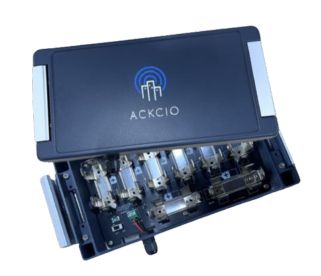 | Our battery packs give users the ability to install up to 8 additional batteries to power their nodes, increasing the potential battery life by up to 5x. |
| Mounting Brackets as required | Several different brackets are available. Please contact us at support@ackcio.com for more information. | Ackcio provides mounting solutions to ensure your equipment is installed securely. |